
Notebooks
A guided walkthrough of how Notebooks let you group and control visibility of your journal entries and stories.
The World’s Most Full Featured Journaling App
Full journaling, free. Not a trial.
Unlimited entries, moods and tags, notebooks, goals, sleep, and AI that reads your journal back to you. No entry cap, no trial clock, no paywall on the part you came for.
iPhone: coming soon. Developed as a web-first app, so it works well on all modern browsers.
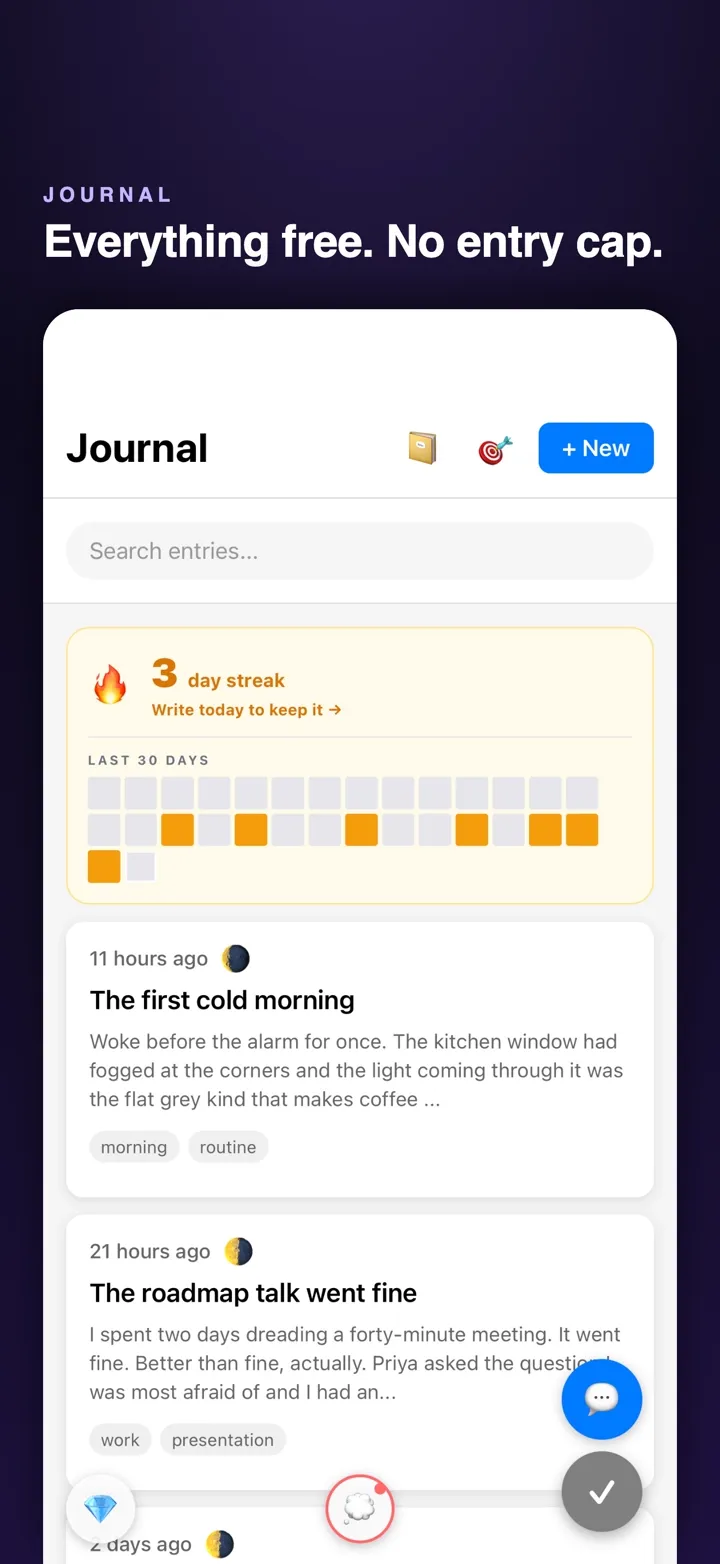
The page
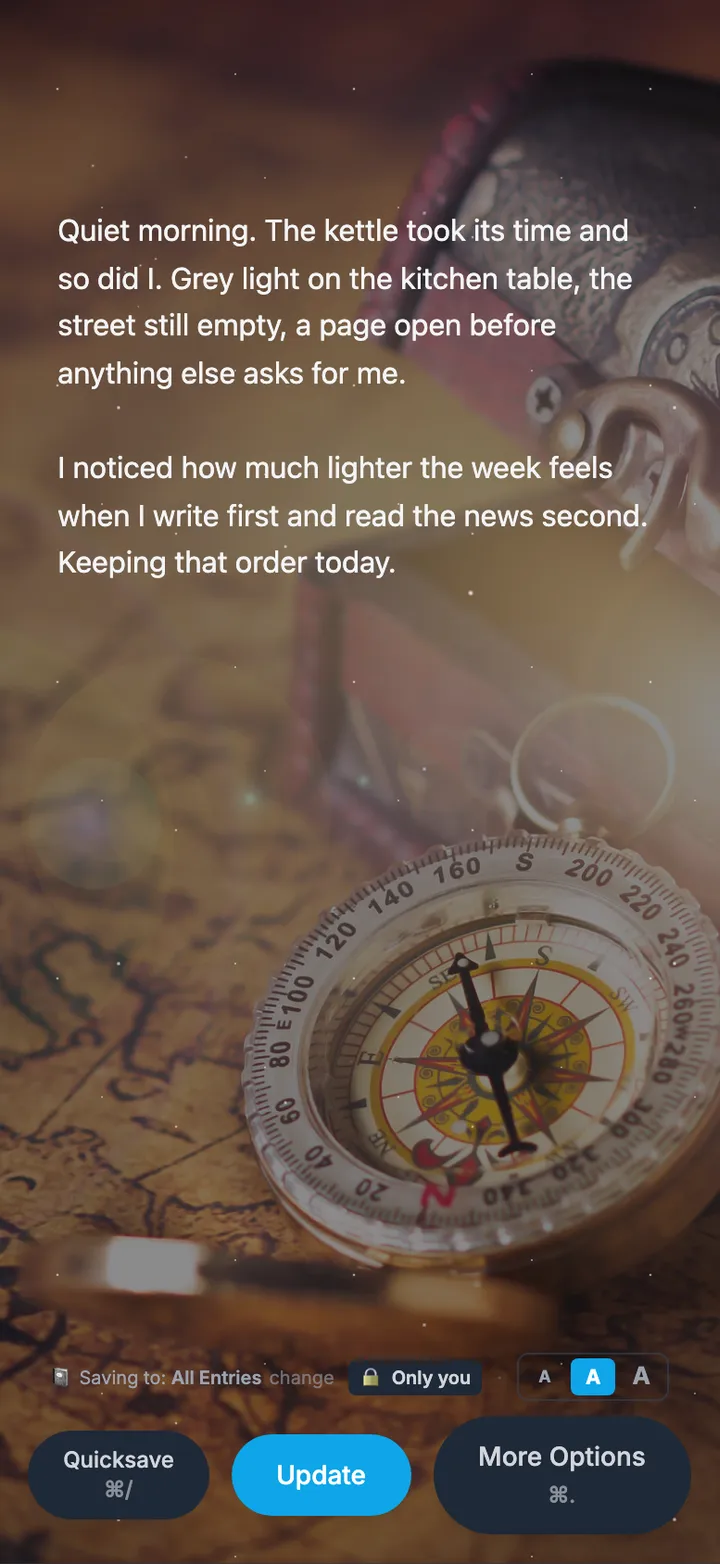
On the web, start writing from the Write Cafe and the page opens over a photograph: a lake at first light, a chalkboard, a compass on an old map. Nothing between you and the words but one save bar.
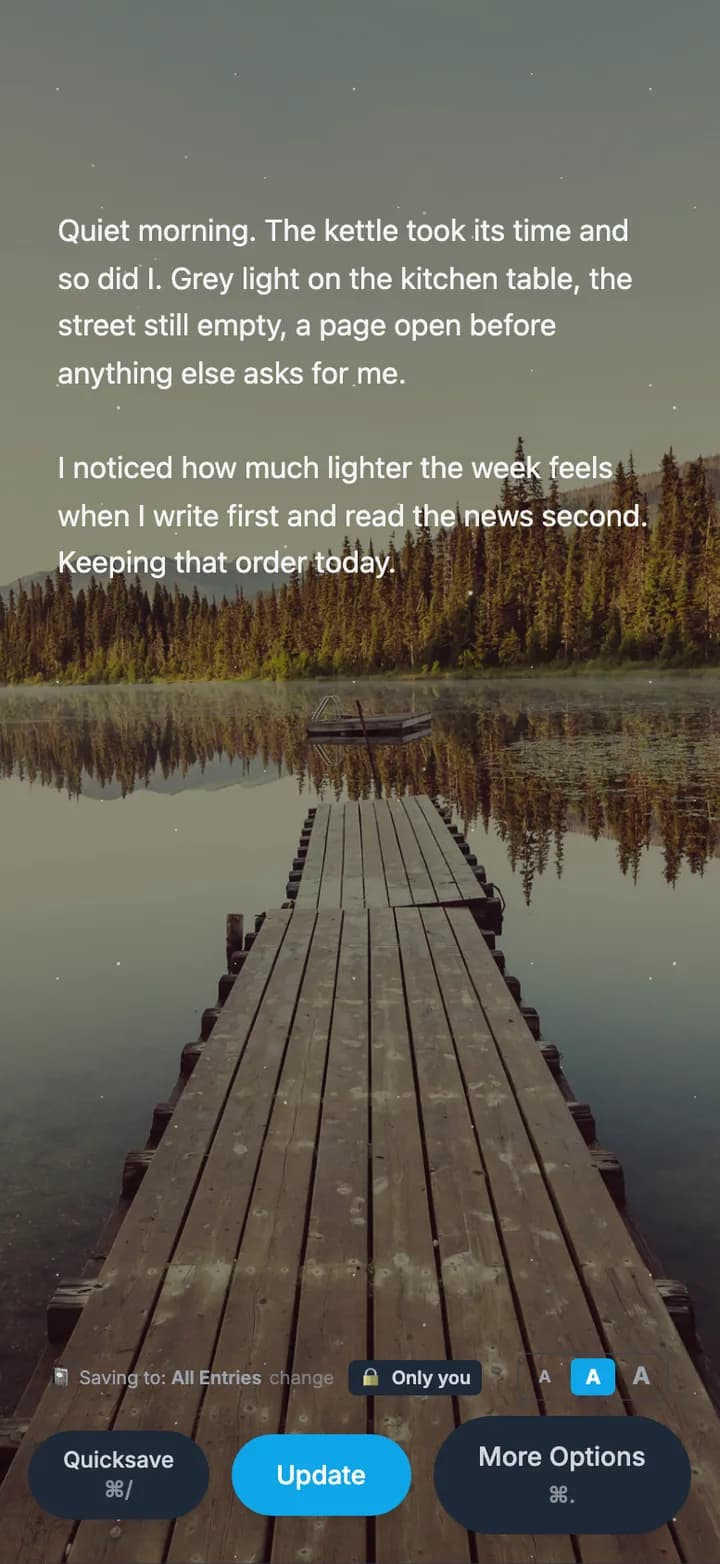
Write
A fast, quiet editor with no entry cap. Mark your mood, tag entries however you think, and search everything you have ever written from the top of your journal.
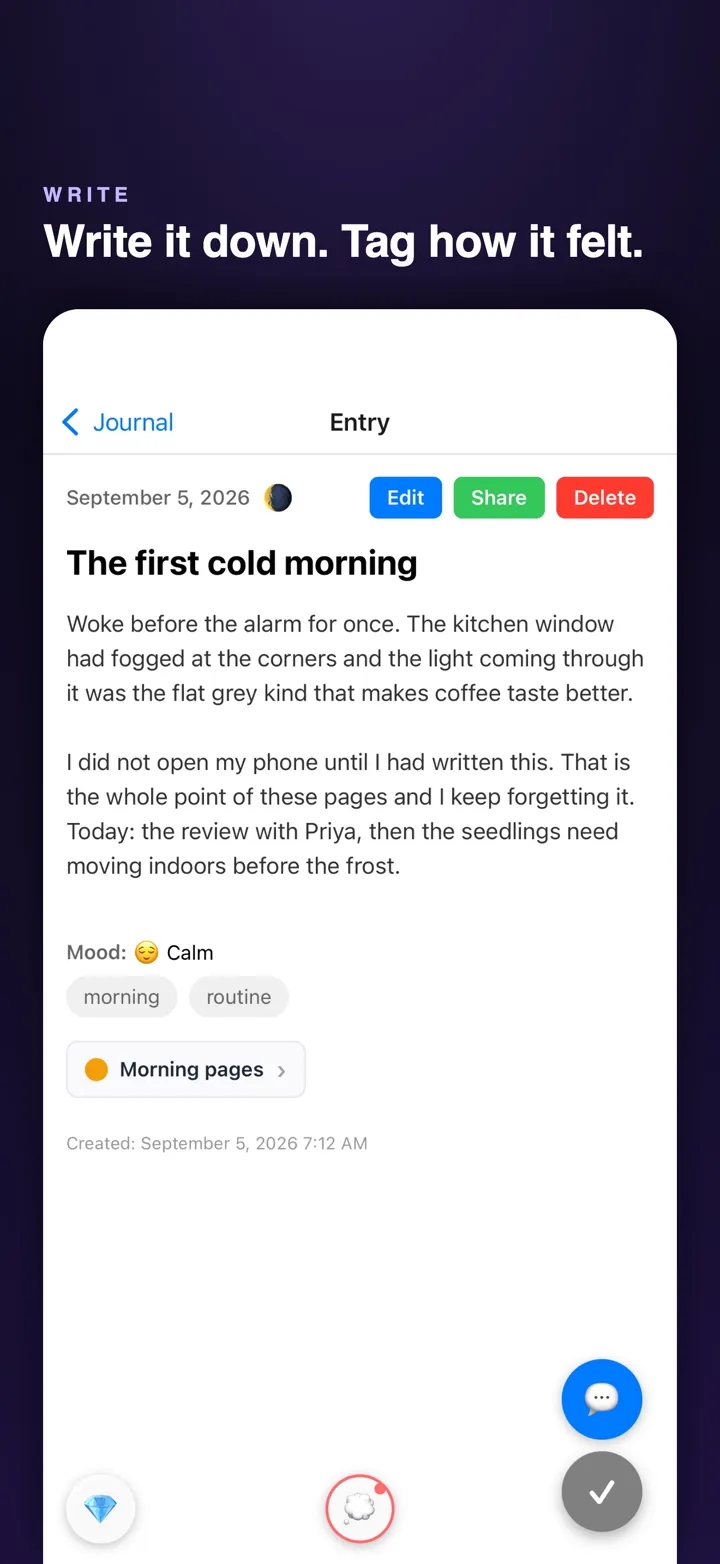
Moods
Open an entry on the web and it sits over a photograph too, with its mood and tags underneath. Private by default: an entry is yours alone until you choose to share it.
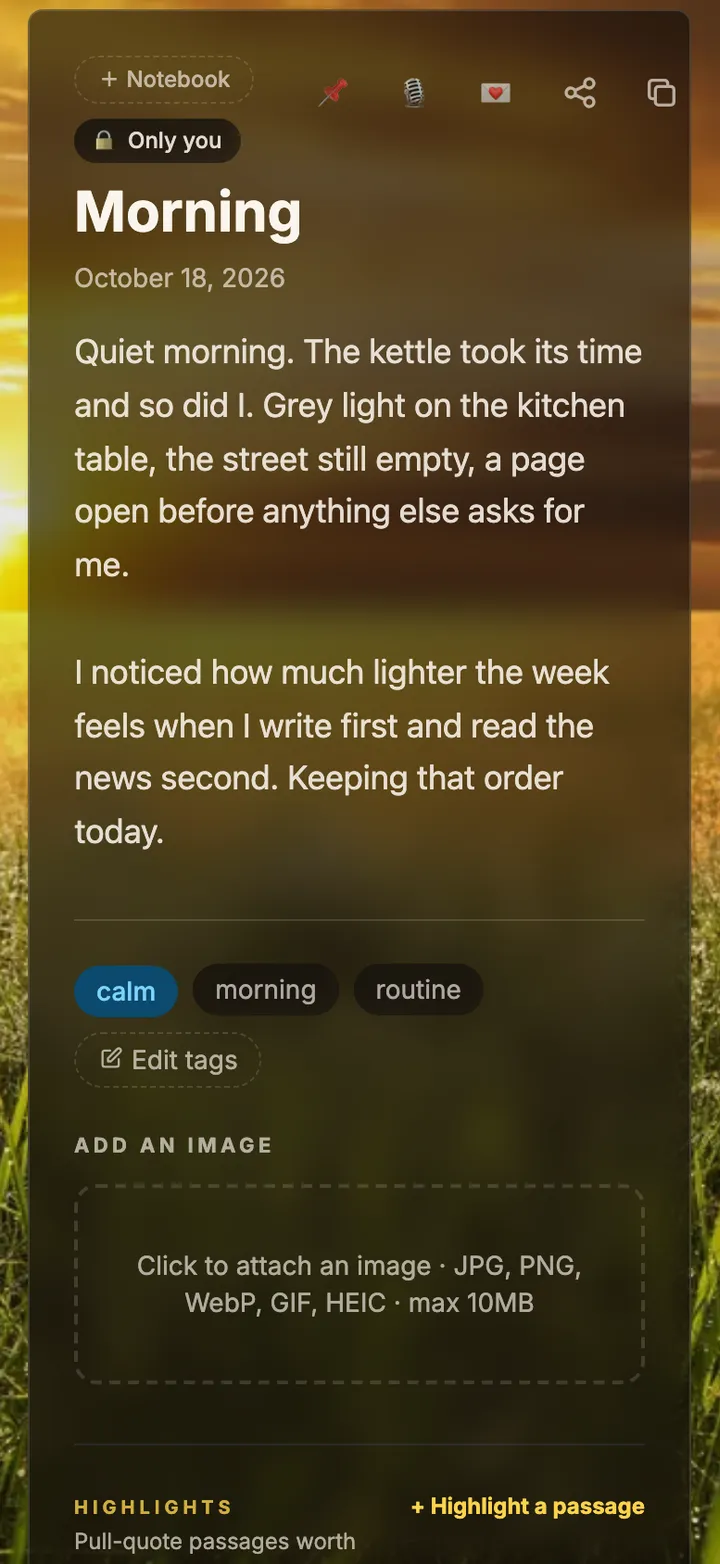
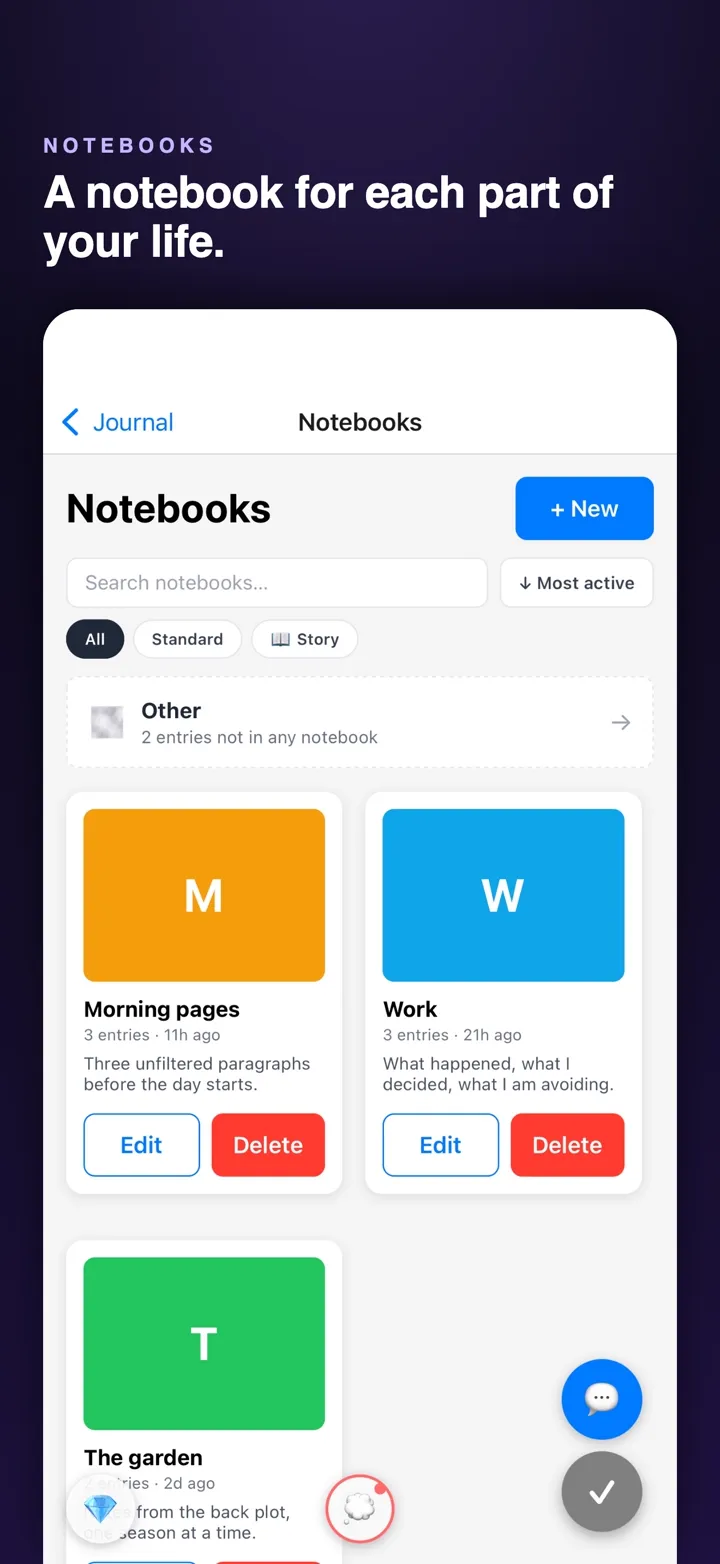
Notebooks
Morning pages, work, the garden, a year, a person. Keep them apart, or let them run together in one timeline.
Reflect
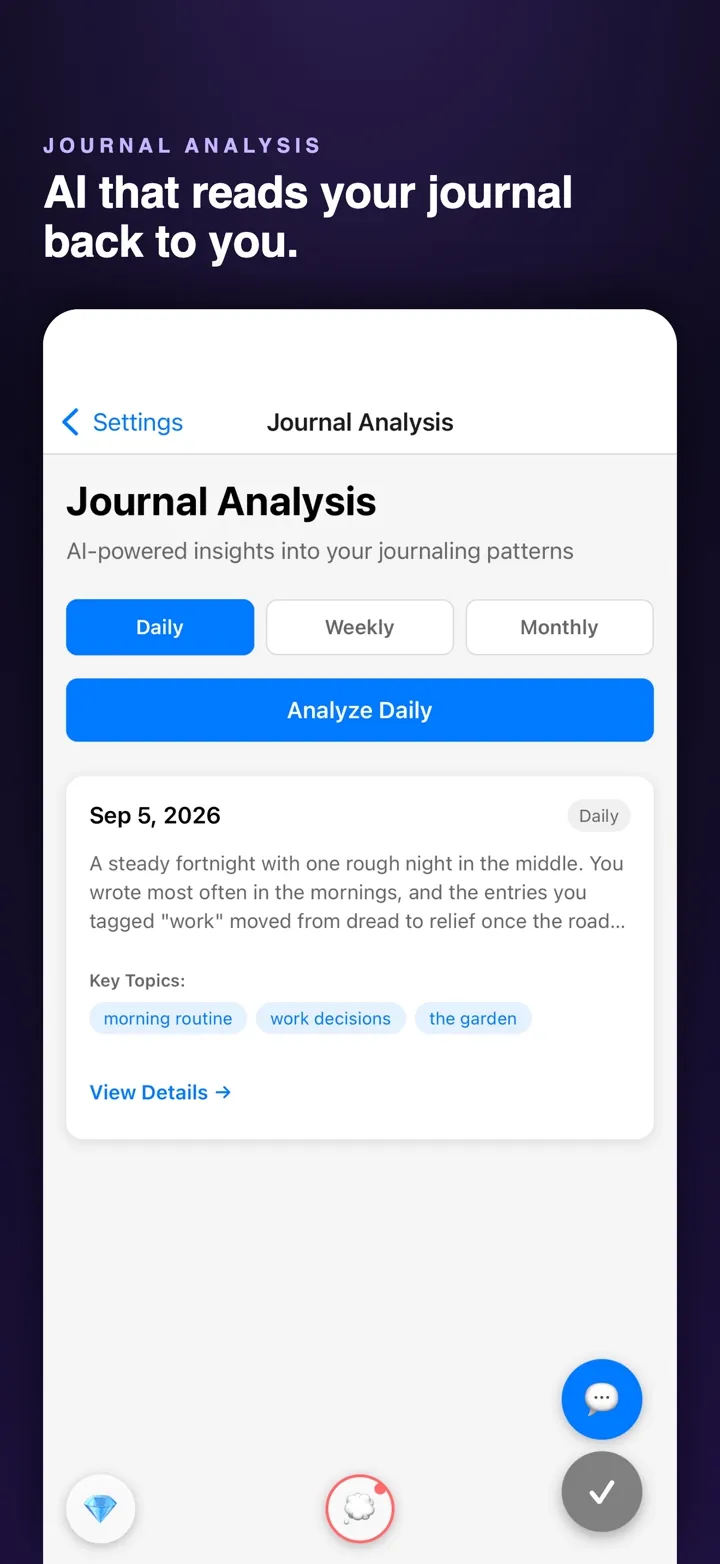
Daily, weekly and monthly reflections find the topics and patterns in what you wrote. Ask JQ, the built-in companion, about anything in your journal.
Track
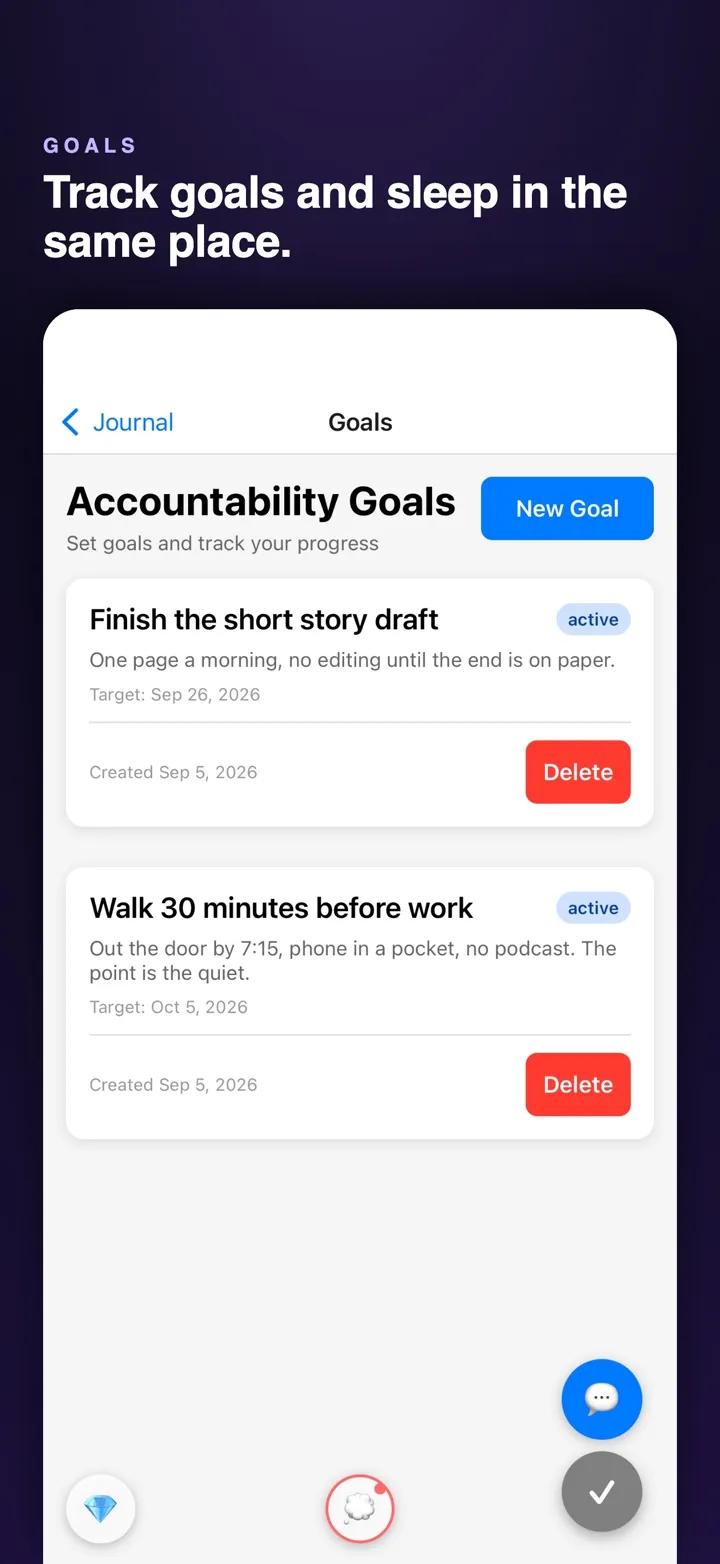
Set goals and check in against them. Log how you slept, night by night, and see it next to what you wrote.
Turn an old tablet or a spare TV into the family’s kitchen screen. Nothing to buy, and free to start.
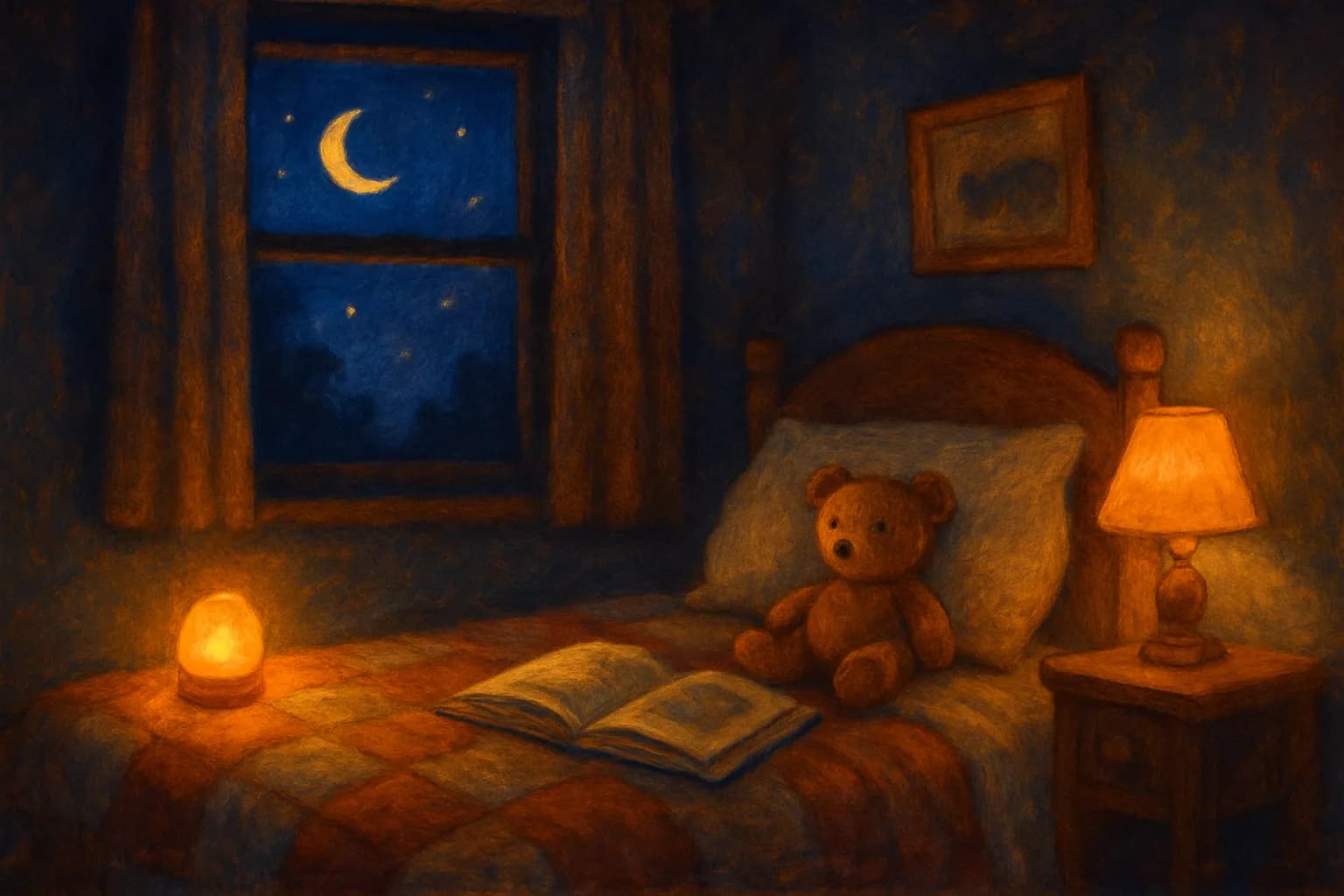
A calm bedtime mode with narrated stories and a sleep timer. Read in your own voice with Plus.
Each person’s day at a glance, checked off right on the screen, with streaks and points.
Everyone’s Google Calendars on one screen, color-coded, as an agenda or a week.
Plan the week’s dinners together. Tonight’s meal sits front and center.
Everyone adds from their phone. Tap things off on the way out.

Post a chore worth points. Kids see what they can earn, and the credit lands when it’s done.
“What’s for dinner?” “Add milk to the list.” JQ answers, and acts, from what’s on the wall.
Send a spoken message to a screen in another room, with quiet hours respected.
A personal screen for a kid’s room: their reminders, quiet hours, locked with a PIN.
Furnace filter, dryer vent, deep cleans: what the house needs, shown by how overdue it is.
Night
Dark mode on the web keeps the scene and turns the text soft white, so a late entry does not mean a bright screen.
See it move
A minute or two each, hands-free. Scroll sideways for more.
Your journal stays yours
Every entry is yours alone until you choose to share one, as a single link.
Row-level security means the database itself only lets you read your entries, not just the app.
Open the app with a PIN, Face ID or your fingerprint.
We never sell your data, and the app has no third-party trackers or ad SDKs.
Delete your account and everything in it from Settings, whenever you want.
The details are in plain words in our privacy policy.
Made by Sandon Jurowski, who also built HabitForge, and by Point Seven Studio.
The journal is complete on its own. When you want more, the same account opens stories, audio, rehearsal and connection tools. Explore everything HiveJournal makes